


My home dotfiles
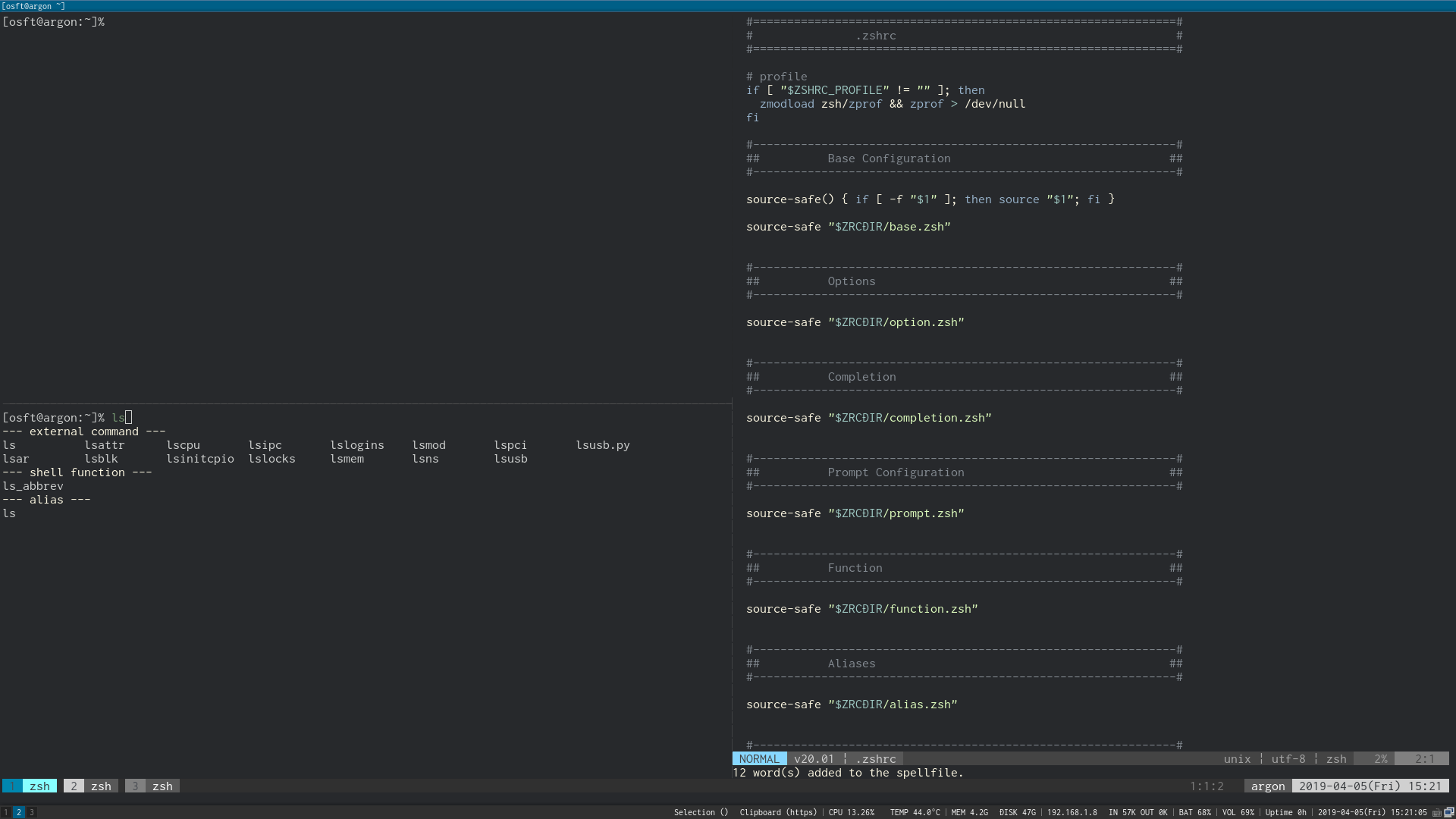
- Download
$ git clone https://github.com/reo11/dotfiles.git - Install
$ ./dotfiles/.bin/dotsinstaller.sh(NoGUI)$ ./dotfiles/.bin/dotsinstaller.sh --no-gui - vim plugin install
$ vi +PlugInstallor:PlugInstallafter vim boot - zsh plugin install
$ exec zsh - Enjoy!
If you do not want to dirty your home directory
- Download
$ mkdir /tmp/tmphome
$ cd /tmp/tmphome
$ git clone https://github.com/reo11/dotfiles.git
- Set HOME environment temporary
export HOME=/tmp/tmphome - Install
$ ./dotfiles/.bin/dotsinstaller.sh(NoGUI)$ ./dotfiles/.bin/dotsinstaller.sh --no-gui - vim plugin install
$ vi +PlugInstallor:PlugInstallafter vim boot - zsh plugin install
$ exec zsh
- zsh
- neovim(vim)
- tmux
- i3-gaps(optional)
| key | action |
|---|---|
| Alt-h/j/k/l | switch window |
| Alt-j | close window |
| Alt-k | create window |
| S-Up/Down/Left/Right | switch pane |
| key | action |
|---|---|
| Mod-h/j/k/l | switch window |
| Mod-S-h/j/k/l | move window |
| Mod-C-S-h/j/k/l | move workspace |