A command-line interface for pasteCTL, allowing developers to create, retrieve, and manage code snippets directly from the terminal.
pasteCTL CLI is a terminal-based client for the pasteCTL platform. It provides a fast and efficient way to share code snippets without leaving your development environment. The CLI integrates with your system's default editor, supports automatic language detection from file extensions, and displays fetched pastes with syntax highlighting in your terminal.
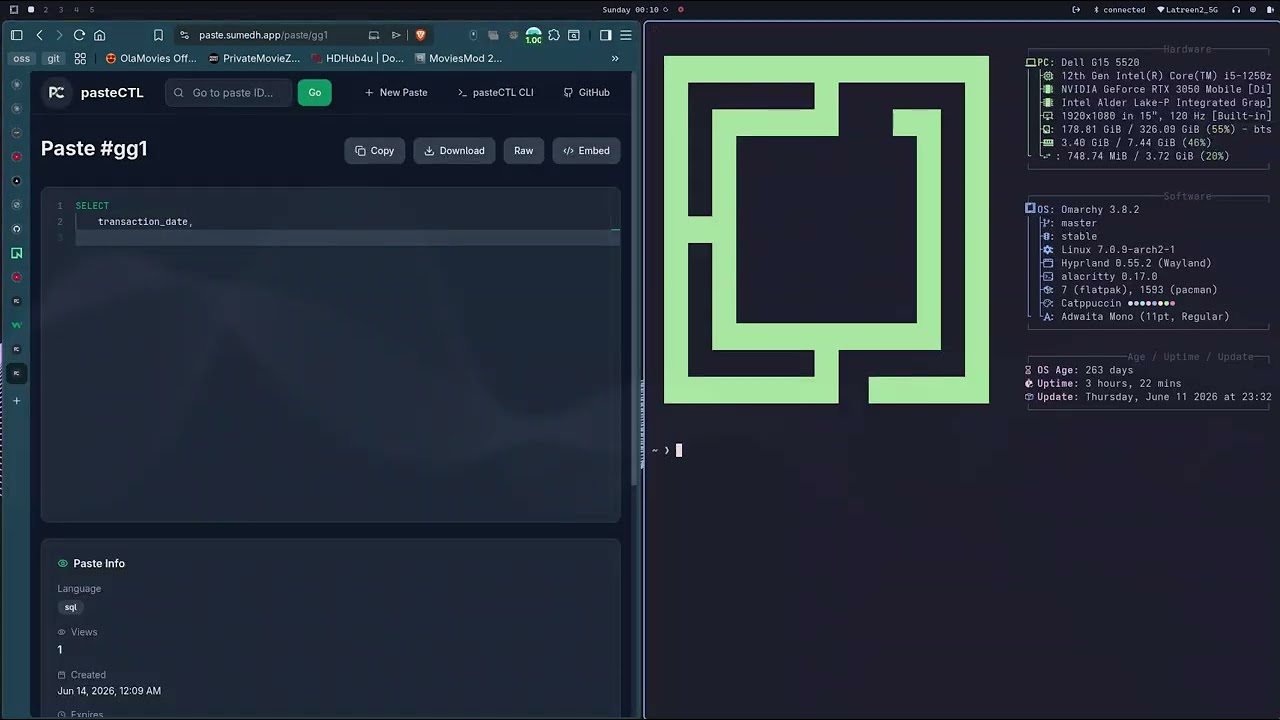
Click the thumbnail above to watch the demo on YouTube.
- Create Pastes — from files or directly in your editor
- Syntax Highlighted Output — fetched pastes are displayed with monokai-themed ANSI colors
- Automatic Language Detection — detects language from file extensions
- Custom Expiry Times — set paste expiration:
1h(default),24h,7d, ornever - Retrieve Pastes — formatted output with metadata or raw text for piping
- Update Pastes — edit existing pastes in your preferred editor
- Configuration Management — store API endpoint and frontend URL locally
- Cross-Platform — works on Linux, macOS, and Windows
If you have Go installed:
go install github.com/Sumedhvats/pasteCTL@latestMake sure your $GOPATH/bin is in your PATH.
Download the appropriate binary for your platform from the Releases page.
wget https://github.com/Sumedhvats/pasteCTL/releases/latest/download/pasteCTL_linux_amd64.tar.gz
tar -xvf pasteCTL_linux_amd64.tar.gz
sudo mv pasteCTL /usr/local/bin/
pasteCTL --versionwget https://github.com/Sumedhvats/pasteCTL/releases/latest/download/pasteCTL_darwin_amd64.tar.gz
tar -xvf pasteCTL_darwin_amd64.tar.gz
sudo mv pasteCTL /usr/local/bin/
pasteCTL --version- Download
pasteCTL_windows_amd64.zipfrom the Releases page - Extract the archive
- Move
pasteCTL.exeto a directory in yourPATH
pasteCTL.exe --versionFrom your editor (opens $EDITOR, defaults to vim / notepad):
pasteCTL createFrom a file (language is auto-detected from the extension):
pasteCTL create --file main.goWith custom options:
pasteCTL create --file script.py --language python --expire 24h| Flag | Short | Default | Description |
|---|---|---|---|
--file |
-f |
— | Path to file |
--language |
-l |
auto-detect | Override language detection |
--expire |
-e |
1h |
Expiry: 1h, 24h, 7d, or never |
With syntax highlighting and metadata:
pasteCTL get <paste-id>Example output:
--- Paste Details ---
ID:       abc123
Language: go
Created:  2025-10-03 10:21:05
--- Content ---
package main              ← (highlighted in terminal)

import "fmt"

func main() {
    fmt.Println("Hello, World!")
}
Raw content (for piping or saving to a file):
pasteCTL get abc123 --raw > downloaded.goWithout colors (plain text with metadata):
pasteCTL get abc123 --no-color| Flag | Default | Description |
|---|---|---|
--raw |
false |
Output raw content only |
--no-color |
false |
Disable syntax highlighting |
Edit an existing paste in your editor:
pasteCTL update <paste-id>The CLI will:
- Fetch the current paste content
- Open it in your editor
- Update the paste with your changes
The CLI automatically detects the following languages from file extensions:
| Extensions | Language |
|---|---|
.js .jsx .ts .tsx .mjs .cjs |
JavaScript |
.py .pyw |
Python |
.java |
Java |
.cpp .cc .cxx .hpp .hxx .h |
C++ |
.c |
C |
.go |
Go |
.sql |
SQL |
.txt .md .json |
Plain Text |
For other file types, use the --language flag: pasteCTL create -f query.txt -l sql
pasteCTL CLI stores configuration in ~/.config/pasteCTL/config.yaml.
# Set the backend API URL
pasteCTL config set backend_url https://api.paste.sumedh.app

# Set the frontend URL (used for generating shareable links)
pasteCTL config set frontend_url https://paste.sumedh.app/pasteThe CLI comes with sensible defaults that work out of the box:
| Key | Default Value |
|---|---|
backend_url |
https://api.paste.sumedh.app |
frontend_url |
https://paste.sumedh.app/paste |
pasteCTL respects your system's $EDITOR environment variable. To set your preferred editor:
Linux / macOS — add to ~/.bashrc or ~/.zshrc:
export EDITOR=nano # or vim, emacs, code --waitWindows (PowerShell):
$env:EDITOR = "notepad"# Create from file
pasteCTL create --file main.go --expire 24h
# Output:
# Creating paste...
# Paste created successfully!
# Link: https://paste.sumedh.app/paste/abc123pasteCTL get abc123 --raw > downloaded.gopasteCTL config set backend_url http://localhost:8080
pasteCTL config set frontend_url http://localhost:3000/paste
pasteCTL create --file script.shThe CLI communicates with the pasteCTL backend via REST API:
| Method | Endpoint | Description |
|---|---|---|
POST |
/api/pastes |
Create a paste |
GET |
/api/pastes/:id |
Get paste with metadata |
GET |
/api/pastes/:id/raw |
Get raw paste content |
PUT |
/api/pastes/:id |
Update a paste |
pasteCTL/
├── cmd/
│   ├── root.go           # Root command setup
│   ├── create.go         # Create paste command
│   ├── get.go            # Retrieve paste command
│   ├── update.go         # Update paste command
│   ├── config.go         # Configuration management
│   └── version.go        # Version command
├── internal/
│   ├── api/              # HTTP API client
│   ├── config/           # Viper config handling
│   ├── editor/           # System editor integration
│   └── highlight/        # Syntax highlighting (chroma)
├── main.go
└── go.mod
| Dependency | Purpose |
|---|---|
| cobra | CLI framework |
| viper | Configuration management |
| chroma | Syntax highlighting |
git clone https://github.com/Sumedhvats/pasteCTL.git
cd pasteCTL
go build -o pasteCTL .
Install directly:
go installBackend URL not set:
backend_url is not set. Please use 'pasteCTL config set backend_url <url>'
Fix: pasteCTL config set backend_url https://api.paste.sumedh.app
Editor not opening:
Set the EDITOR environment variable: export EDITOR=vim
Permission denied (Linux/macOS):
chmod +x pasteCTL- pasteCTL Web — Full-stack web application with Next.js frontend and Go backend
- paste.sumedh.app — Live instance
For issues, questions, or contributions, visit the GitHub Issues page.
Made with love by Sumedh