
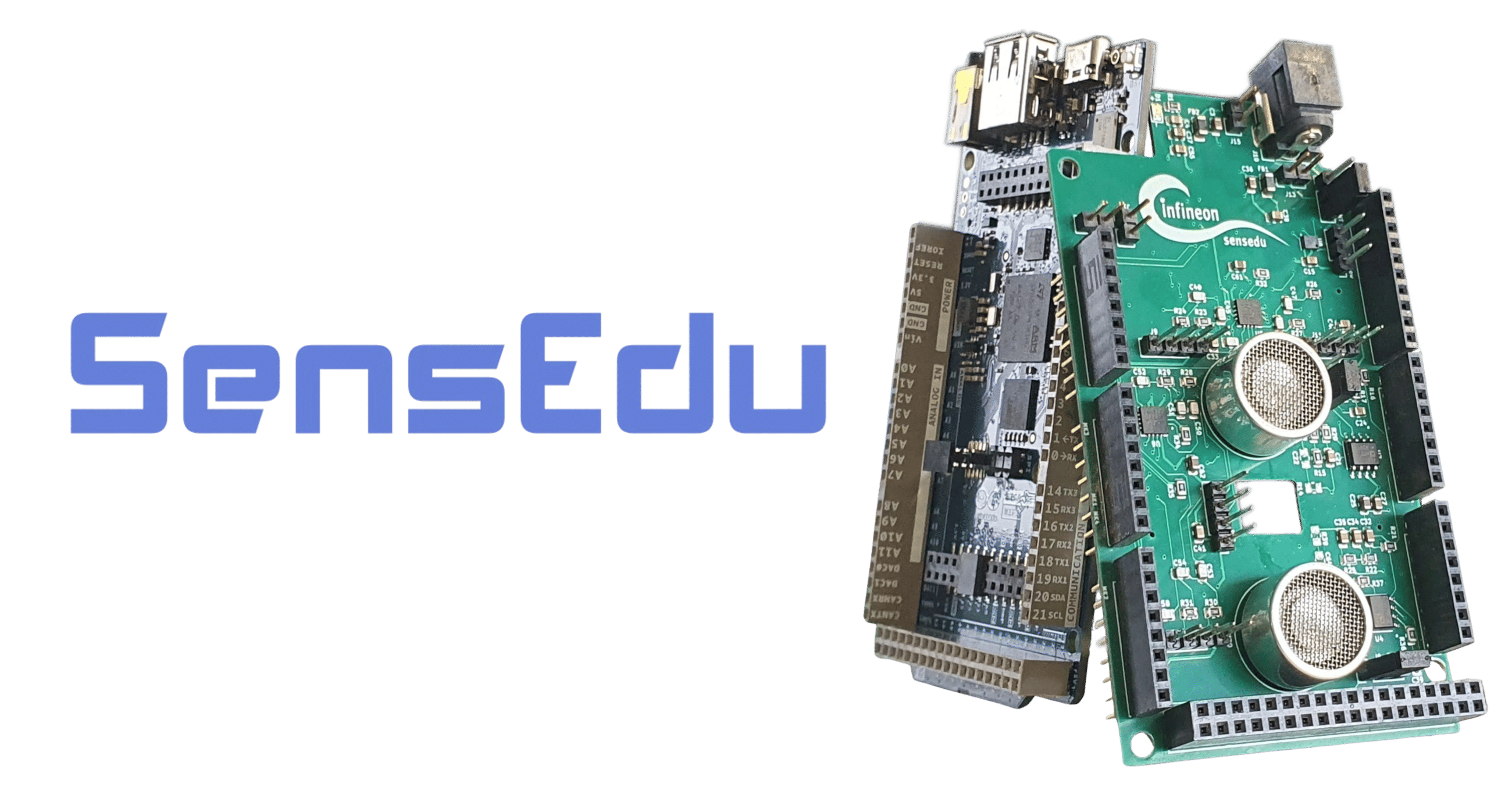
Ultrasonic Development Shield for Arduino GIGA R1
Designed for education - easy entry into ultrasonic sensing and research


Download · Getting Started · Example Projects · Documentation · Contribution
- Custom Shield Design for Arduino GIGA R1 WiFi and mechanically compatible boards (e.g., AURIX™ TC375 Shieldbuddy). It extends the board with sensors:
- 4x Infineon MEMS microphones: capable of operating in ultrasonic range at approx. 20-80 kHz (datasheet).
- 2x Ultrasonic Transducers: transmit ultrasonic waves with a center frequency of ~33kHz (datasheet).
- 4x Instrumentation Amplifiers: dual-channel parts providing 8x channels total, four wired to the on-board MEMS microphones and four routed to external pin headers for connecting additional sensors such as surface EMG electrodes (datasheet).
- 1x Infineon Barometric Air Pressure Sensor: provides pressure and temperature measurements; ideal for indoor and outdoor navigation, weather stations, drones, and more (datasheet).
- 1x Sensirion Humidity & Temperature Sensor: provides relative humidity and temperature readings for environmental compensation and weather monitoring (datasheet).
- Low-Level SensEdu Library for Arduino GIGA R1 that serves as a basic abstraction layer for the STM32H747 peripherals and provides default configurations for all sensors. It is implemented at the register level based on STM32H747 Reference Manual and Armv7-M Architecture Reference Manual, ensuring simplicity and expandability. Extensive examples are included to demonstrate library's functionality.
- Example projects show how to use SensEdu to achieve your learning goals. See the full implementation for pulsed time-of-flight distance measurements, FMCW ranging, FSK-modulated communication, a weather station, and other projects.
- MATLAB and Python scripts enable visualization and post-processing of recorded data transferred via USB or Wi-Fi.


- Open the Arduino IDE and install the Arduino Mbed OS Giga Boards package via the Boards Manager.
- Install the SensEdu library via the Library Manager.
- To run the example projects, download the latest release and extract the projects folder anywhere on your system.
A more complete walkthrough is available in the Getting Started guide on the documentation website.
To get started, you can explore the hardware interface by following the examples provided in the SensEdu library (Arduino\libraries\SensEdu\examples\). A detailed description of all functions can be found in the Documentation under the "SensEdu Library" section.
In the projects/ directory, you will find several complete projects designed for this board, including:
- Ultrasonic Pulse-Echo Ranging
- Ultrasonic 3D Tracking
- Ultrasonic Chirp Generation
- Ultrasonic FMCW Ranging
- Ultrasonic FSK Communication Link
- Audio Recorder
- EMG BioInputs - coming soon
- Weather Station
Detailed overview for each project is available in the "Projects" section of the Documentation.
If you would like to contribute, please open a pull request! Suggest improvements or check out already opened issues to help fix bugs or add new features.
SensEdu was made possible thanks to these tools and libraries: