Skip to content

Latest commit


History

36 Commits

Folders and files

NameName
Last commit message
Last commit date


Repository files navigation

Cobalt

A blue inspired theme for Standard Notes

To Install

Go to your account settings in the Standard Notes app > plugins > scroll down and paste the link below into "Install Custom Plugin" > click the install button. You'll then get a "Confirm Extension" pop-up. Click "Install" again. Cobalt will now show in the appearance menu.

https://passk3ys.github.io/cobalt/ext.json
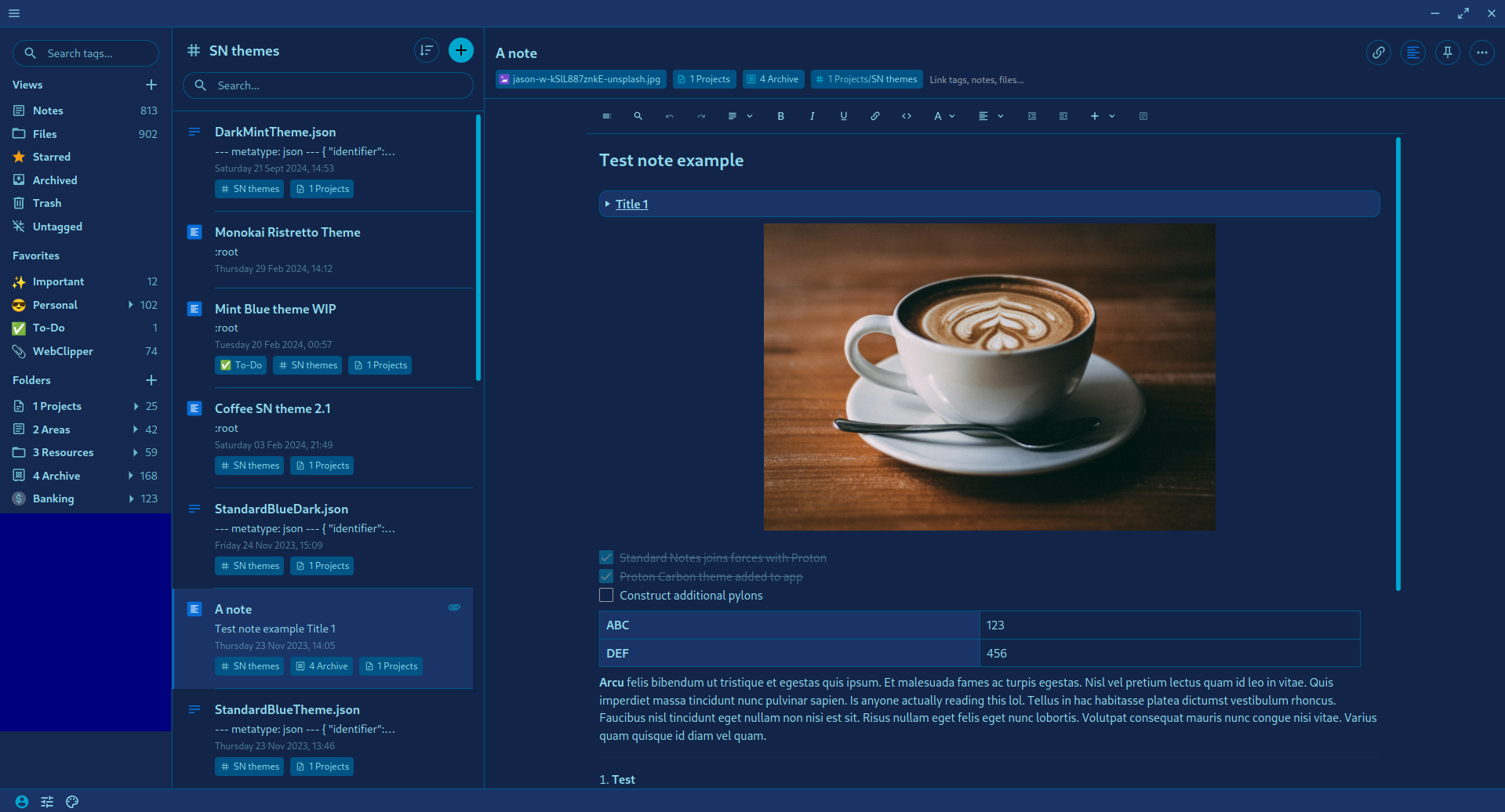
preview

About

A blue inspired theme for Standard Notes

Topics

Resources

Stars

4 stars

Watchers

1 watching

Forks

Releases

Packages

Used by

Contributors

Languages